I saw an update from Codex today, not big news, but I thought it was worth writing about.
OpenAI added a built-in browser to Codex's device toolbarThis is also known as the device size toolbar. In the future, when you make web pages, change UI, or adjust responsive layout in Codex, you don't have to stare at a default window to see the effect.
You can have Codex test your app at different sizes - mobile, tablet, desktop. It will look at the page on its own and find misalignments, overflow, buttons that are too small, spacing that is wrong, navigation that crumbles on mobile, and then continue to change the code.
Entry is also very simple, three dots to the right of the URL bar in the Codex built-in browser and you're good to go.
 Figure 1: Codex App Code Review Interface
The Codex App is putting writing code, looking at changes, and doing reviews in the same workbench.
Source: OpenAI Developers Codex App Page
This whole thing is ostensibly a small button with a lot of real significance.
In the past, when we used AI to write front-end, the most common problem is: the code can run and the page can be opened, but the moment we change the device, we will be exposed.
The desktop side looks fine, the mobile side of the title is squeezed into three lines; the width of the card is written to death, and the horizontal scroll bar pops up; the buttons stick to the edges of the screen; the pop-up window can't cover the whole thing on the small screen; and the navigation bar turns directly into a disaster scene.
It's not that the model doesn't know how to write code, it's that it has lacked stable “seeing” and “validating” links in the past.
The real trouble with front-ends is never just putting the React The components are written out. The trouble is looking at it over and over again, tweaking it, and trying it on for size. Especially with responsive pages, the design is usually given only one or two states, and the real device has a bunch of weird dimensions.
It's this shortcoming that the device toolbar fills.
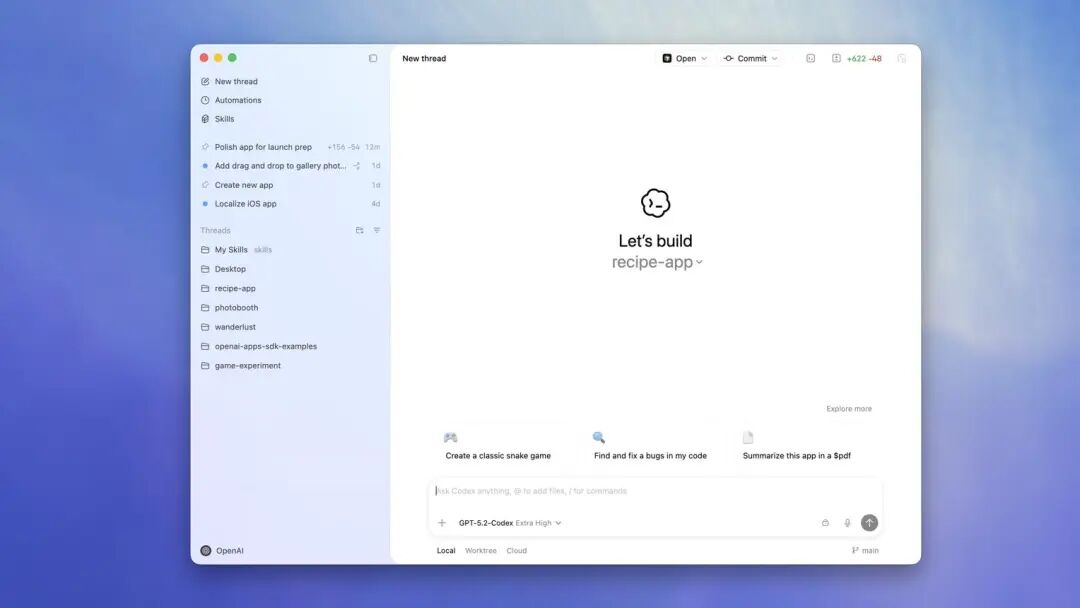 Matching Figure 2: Codex App New Thread Interface
A front-end task can start with a natural language and then Codex into a closed loop of code implementation, page checking, and modification.
Image source: OpenAI Developers Codex page
Instead of just being a “code writer's assistant”, Codex is now moving closer to being a “development agent that checks the front-end results for itself”.
I'm more concerned that this feature will change the way front-end tasks are delivered.
In the past, the tasks you gave AI were usually:
Help me make a responsive page.
A better way to put it now would be:
Help me realize this page and check the layout at 390px, 768px, and 1440px respectively. Fixed the problem on my own when I found it, and finally told me what was changed under each size.
That's different.
The former is to get the AI to write code, the latter is to get the AI to complete an acceptable front-end task.
Taking it a step further, Codex can form a very useful set of closed loops:
Generate the page first, then open the local app, then switch between different device sizes, then observe the page problem, then modify the CSS and component structure, then run it again, and finally submit the diff.
This is where AI front-end productivity really starts to get hard.
With the addition of the device toolbar, Codex can check pages at different screen sizes instead of just looking at the desktop.
OpenAI has also changed a few details along the way: the browser is about 30% faster, the mouse cursor animation is tighter, there's a new way to hide the composer in full-screen mode, and there are some fixes for Windows browsers.
These sound crummy, but are important to the feel of the tool.
What's the biggest fear of AI coding tools?
It's not that it's one less cool feature, it's that it's stuck, slow, obscures, and interrupts thoughts when you use it. Once you have to stare at the browser frequently to see the results, these little details are magnified infinitely. A faster browser, a more stable cursor, and less blocking in full screen would make people more willing to give real tasks to it.
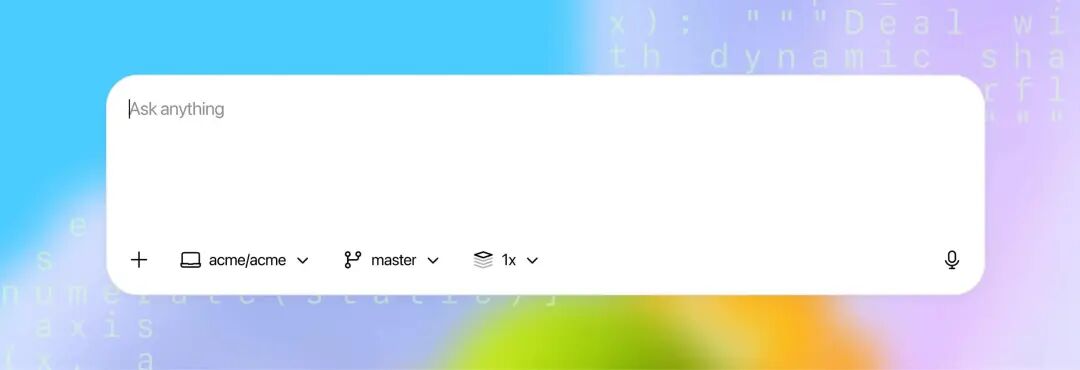 Figure 3: Codex Web / Cloud Input Interface
Codex Web can handle tasks in a cloud environment or execute multiple development tasks in parallel.
Source: OpenAI Developers Codex Cloud Documentation
That's why I think Codex's direction is clear these days.
It's not just in and Claude Code is about who is better at writing code than who is better at writing code, but it's about making up for the dirty, broken, and real parts of the “software development scene”.
Writing code is just the first step. In real development, there are also page previews, anomaly replication, size switching, test feedback, PR changes, and review evidence. In the past, all of these things had to be watched, but now Codex is taking over a little bit.
Front-end development, in particular, is the most vulnerable to being rewritten by this capability.
Because the front-end is not just about having the right logic, it's also about having the right vision, the right interaction, and the right device.
Whether a button can be clicked or not, whether a popup window is blocked or not, whether it will overflow on mobile or not, whether the contrast is enough in dark mode or not, all these problems used to be difficult to judge by code only. Now, as long as Codex can open the browser, switch the size, and observe the page, it will have the opportunity to find the problem by itself.
Of course, I don't recommend letting go completely.
Especially for brand pages, official product websites, and complex backend systems, AI is still prone to make some “look-alike” mistakes. It can fix obvious bugs, but aesthetics, information hierarchy, and interaction intent still need to be checked by human beings.
A more reasonable approach is to let Codex take care of the first round of implementation and low-level issue cleanup, and a human is responsible for the final judgment.
For example, once a page is done, you can just let Codex run a round:
- - Desktop 1440px Check once
- - Flatbed 768px Check once
- - Mobile 390px Check once
- - Focus on checking header line breaks, button blocking, horizontal scrolling, form overflow, navigation crash
- - After fixing it, submit the diff with an explanation of what was changed in each size.
These kinds of tasks are perfect for handing over to AI.
Because it's repetitive, trivial, and eye-catching, yet it does impact the quality of delivery.
Responsive issues are often not big bugs, but rather small issues like headline line breaks, button stickers, card overflow, and misaligned navigation.
From this point of view, the value of the device toolbar does not lie in the “simulation of the phone screen” itself.
Browser developer tools have been able to do this for a long time.
Here's the real kicker: this capability is put into the Codex execution chain.
Human developers used to have to do the action:
Open the page, look at it, find a misalignment, go back to the editor and change the code, refresh it again, change the size, look at it again, change it again.
Now the link can start to be run by Codex itself.
That's the change.
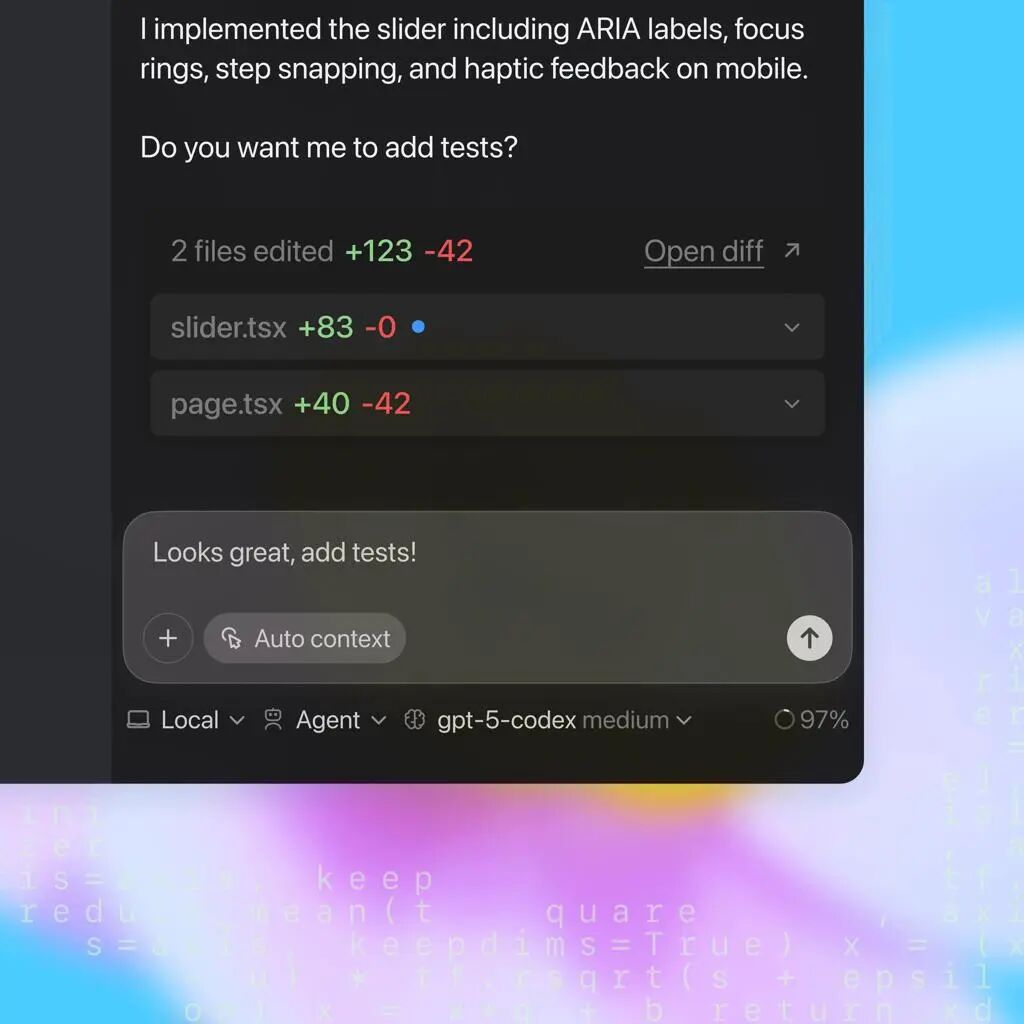 Figure 4: Codex PR / Test Feedback Interface
Codex deliverables should not just be code, but diffs, test results, and change notes that can be reviewed.
Image source: OpenAI Developers Codex page
So I prefer to see this update as a sign.
AI writing code has gone from “can you generate” to “can you verify”.
We used to be surprised that AI could actually write out pages.
The next really valuable thing is whether the AI can look at the page by itself, find the problem by itself, fix it by itself, and then give the result to a human review.
The front-end will probably be the first place where work habits are changed.
In the future, the standard delivery of a front-end task may no longer be “the page is written” but:
The desktop side has seen it.
The tablet end has seen it.
Saw it on mobile.
The interaction ran over.
Obvious layout issues fixed.
diff can be reviewed.
That's the point behind this small update to Codex.
Not an extra button.
It's AI that's starting to really get into front-end acceptance.