
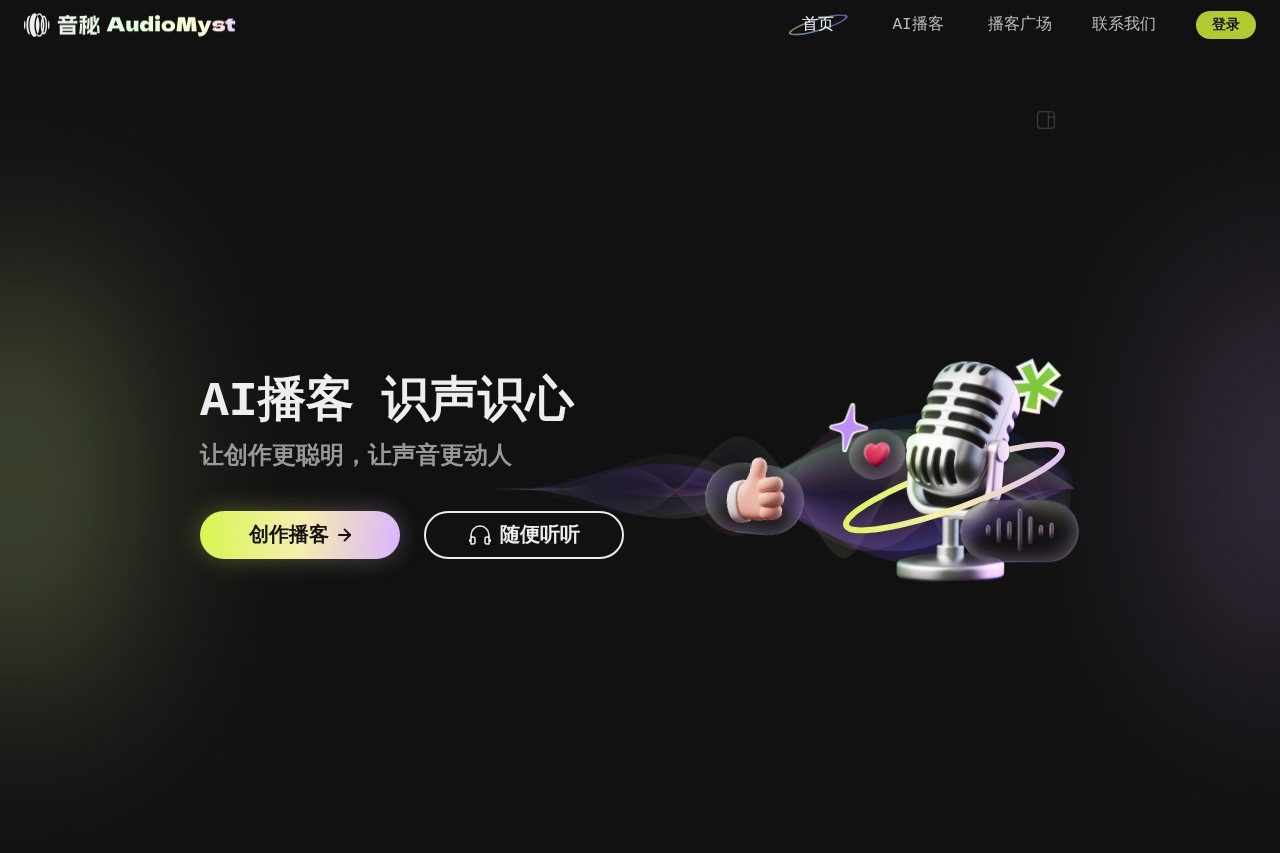
Sound Secret is an AI audio generation platform launched by Baidu. It uses text prompts to create high-quality audio content, including music, sound effects, and voiceovers. Users enter a description and the AI quickly generates the audio. The platform supports multiple languages, with a focus on Chinese and English. Users can adjust the style, tone and tempo. Audio can be exported for use in videos or games. Audio Secret is suitable for content creators and podcast producers. It is free tool that helps users to produce professional audio easily. There are no complicated devices and only web-based operations are required. The platform interface is simple and users get started quickly. Audio Secret is based on Baidu AI technology and provides real sound synthesis. Users can preview and download the audio after generating it. The platform is constantly updated to improve audio quality.
Function List
- Text-to-audio generation: users enter text descriptions and AI creates music, ambient sounds or dialog audio.
- Speech Synthesis: Generate real human voices for narration, character voices or video narration.
- Customization options: Adjust audio style, tone, speed and effects to match user needs.
- Multi-language support: create audio in Chinese, English or other languages for global users.
- Integrated Export: Audio files are exported to common formats for easy import into videos, games or podcasting software.
- AI editing tools: optimize the generated audio, e.g. to remove noise or improve clarity.
- Batch Processing: Generate multiple audio files at once to improve efficiency.
- Preview feature: listen to the audio before downloading to ensure satisfaction.
Using Help
Sound Secret is a web tool and does not require software installation. Users directly open their browser and visit https://audiomyst.baidu.com/. When used for the first time, the platform displays a welcome page. In the middle of the page there is an input box where the user writes a text prompt. The prompt should be clear, for example, "a piece of calm piano music for a nature documentary". Once written, click the "Generate" button and the AI will process the prompt, usually in a few seconds to a few minutes. Once generated, the page displays an audio player. Users tap the play button to listen to the audio. If you are not satisfied, you can modify the prompt and generate again.
The platform has setup options. Next to the input box, there are drop down menus. The user selects the type of audio, such as music, sound effect or voice. When selecting music, the style can be specified, such as "pop" or "classical". For speech synthesis, the user selects the type of voice, such as male, female or robot. You can also adjust the speed, fast or slow. Tone options include happy, serious or calm. These settings make the audio better match the needs. After making adjustments, tap Generate again.
After generating the audio, the user optimizes it with the editing tool. On the page there is a button "Edit Audio". When clicked, a slider appears. The user adjusts the volume, adds echo or removes noise. After editing, the changes are saved. The platform supports multiple previews until satisfied. Then, click on the "Download" button. The audio is exported to MP3 or WAV format. The file is saved to the computer for easy access.
If you want to batch generate, users can tap "Advanced Mode". Here you can enter multiple cues to generate several pieces of audio at a time. For example, if you are doing a podcast, you need opening music, hosting voice and ending effect. Enter three cues and the AI will process them together. The result will be displayed in a list, and each audio segment will be previewed and downloaded separately.
SoundSecret supports multiple languages. The default is the Chinese interface. If you use English prompts, AI generates English audio. To switch the language, select it in the upper right corner of the page. The platform automatically detects the prompt language and matches the output. Chinese users enter Chinese characters to generate Chinese voice. The voice is natural, like a real person talking.
As a free tool, Audio Secret has no paywall. Users generate unlimited audio. However, it may be a little slow during peak times. There is a help button on the platform, so click on it to see examples of tips. Examples include "Generate a motivational speech with a male voice" and "Create a rain soundtrack with bird calls".
Now, let's talk about the speech synthesis operation in detail. The user selects the "Speech" mode. Input text, e.g. script lines. Select the voice style, e.g. middle-aged man or young woman. Adjust the speed of speech, normally 1.0x. Tap Generate and listen to the result. If the pronunciation is not correct, change the prompts to pinyin.The AI learns faster and better the second time.
The music generation process is similar. Enter "upbeat electronic dance music, fast tempo". the AI outputs the full song, 30 seconds to 2 minutes long. The user specifies the length and adjusts it in the settings. Add instruments, e.g. "add guitar solo". Once generated, edit the tempo or pitch.
Sound effects for games or videos. Type "explosion sound with echo". ai creates realistic effects. Combine with other audio to create complex scenes.
The platform has a beautiful interface. The top navigation bar has "Home", "Generate" and "My Audio". "My Audio" saves the history of generation and is easy to retrieve. Each audio has a label, and users can add notes.
In terms of security, Audio Secret protects user data. Generated audio is only stored locally and not uploaded to the server. Unless shared by the user.
Newbies are advised to start with simple prompts. Try "hello world, in a female voice". Listen to the results and familiarize yourself with the process. Then complicate it.
Sound Secret is updated frequently. Recently added stem separation, splitting music into drum, bass, etc. tracks. User independent editing.
Integrate other tools. For example, use Baidu video editor to import sound secret audio. Or podcasting software such as Audacity to add effects.
FAQ Processing. If generation fails, check the network. Or the prompt is too long, try shortening it. Audio quality is not good, enrich the descriptors.
In short, using Audio Secret is like chatting. Tell the AI what's needed, it helps fulfill it. Practice a few times and the user becomes an expert. The platform makes audio production easy and professional content available to everyone.
application scenario
- Podcast production
Users write scripts and AI generates hosting voice and background music. Quickly create full podcast episodes for individual creators to share stories or knowledge. - video dubbing
Add narration or character voices to short videos. Input lines, pick the right voice, export matching video length. Use for YouTube or Shake content. - game development
Generate sound effects such as footsteps or weapon sounds. Customize styles with integrated game engine. Help indie developers enrich the game experience. - advertising production
Create promotional audio, including music and slogan voices. Adjust the tone of voice to engage the audience. Businesses use it to quickly test different versions. - Educational content
Teacher generates explanatory audio in different languages. Add background audio to increase student interest. Used for online courses or apps. - Relaxation Audio
Make meditation music or nature sounds such as ocean waves plus birdsong. Users download and listen to it to help relieve stress.
QA
- What's the sound secret?
Audio Secret is a free AI tool from Baidu that generates audio from text, including music, speech and effects. - Do I have to pay for it?
No need to pay. All features are free to use. - How do I get started?
Open your browser and visit the website. Enter the prompts and click Generate. - What languages are supported?
Focus on Chinese and English, other languages are also supported. - How long does it take to generate audio?
A few seconds to a few minutes, depending on the complexity. - Can you edit the audio?
Can. Use tools to adjust noise, volume, etc. - How's the audio quality?
High quality, made like a pro. ai constantly improving. - Who is it for?
Content creators, podcasters, game developers and more. - Is there a mobile version?
The webpage supports mobile browsers and is easy to use. - What if the generation fails?
Check that the prompt is clear and the network is stable and try again.