
Pulse is an intelligent platform focused on document processing and data extraction, designed to help organizations and developers efficiently parse and process a wide range of complex documents. Through its advanced computer vision and multimodal processing technologies, Pulse is able to accurately extract structured data from documents in a variety of formats, including text, images, tables, and more. The platform supports a wide range of industry applications, including finance, healthcare, legal, and supply chain management, and provides fast, secure, and easy-to-integrate API services to help users automate data processing and analysis.
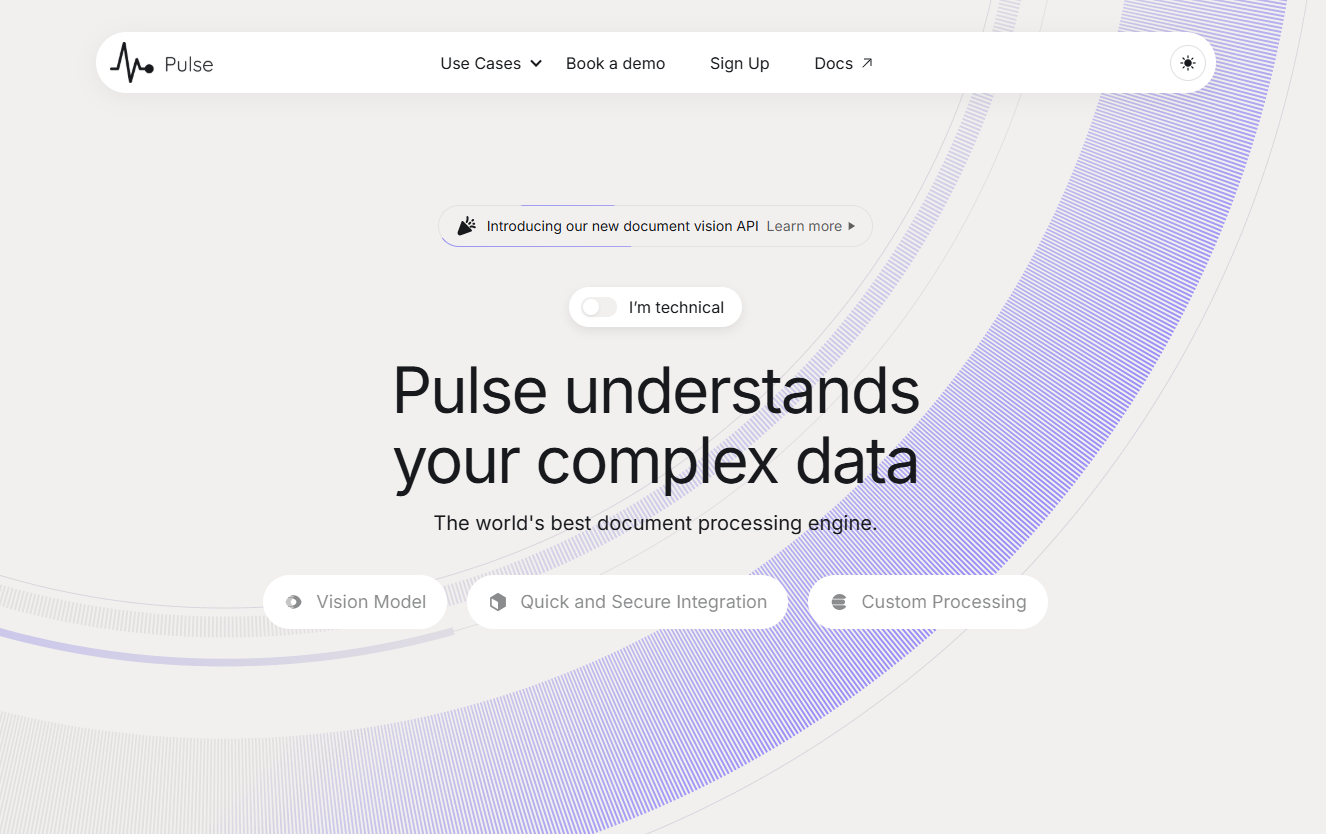
Function List
- document resolution: Supports parsing of multiple document formats, including contracts, invoices, financial statements, technical documents, etc.
- Data Capture: Extract structured data from complexly laid out documents to generate JSON-formatted data suitable for machine learning models.
- multimodal processing: Processes documents containing text, images, and mixed content.
- Rapid Integration: Detailed API documentation and a quick integration guide are provided so that users can integrate in less than 5 minutes.
- high security: SOC 2 Type 2 and HIPAA compliant to ensure data security and privacy.
- Zero data retention: Strict data deletion process to ensure that user data is not used for model training.
- Customized processing pipeline: Support user-defined fields and nested data structures for data extraction and flexible configuration of data processing flow.
- Automated workflows: Full process automation from document import to structured data extraction to database integration.
Using Help
Installation and Integration
- Getting the API key: Visit the Pulse website and register for an account to get an API key.
- Select Subscription Plan: Choose the right subscription plan for your needs.
- Integration API: Follow the quick integration guide provided on the official website to integrate Pulse API into your application. The steps are as follows:
- Add API call code to the project.
- Configure the API key and required parameters.
- Test API calls to ensure that the data extraction function is working properly.
Function Operation Guide
document resolution
- Upload a document: Upload documents to be parsed through the API, supporting multiple formats (e.g., PDF, Word, images, etc.).
- Selecting the parsing mode: Select the appropriate parsing mode according to the document type, the system will automatically recognize the document content and parse it.
- Getting parsing results: After parsing, the system will return structured JSON data, which can be further processed by the user as needed.
Data Capture
- Defining Data Structures: Define the data fields and nested structures to be extracted using simple natural language.
- Configuring Extraction Rules: Configure extraction rules based on document content to ensure the accuracy of data extraction.
- Perform data extraction: Call the API to perform data extraction operations, the system will automatically generate structured data that meets the requirements.
Automated workflows
- Configuring WorkflowsConfigure a full workflow from document import to data extraction to database integration on the Pulse platform.
- Setting Trigger Conditions: Set up workflow triggers according to business requirements, such as timed tasks or event triggers.
- Monitoring and Management: Real-time view of workflow execution through monitoring tools provided by the platform to ensure efficient and accurate data processing.