
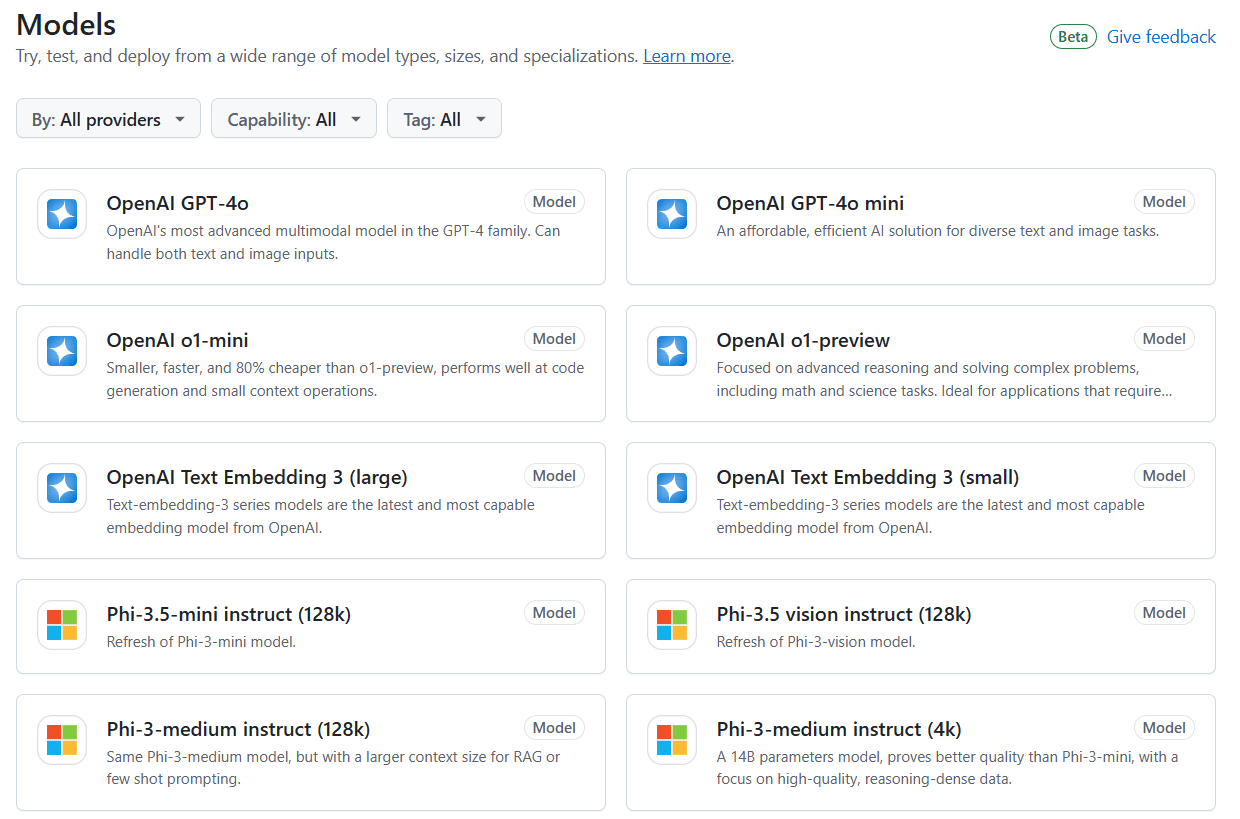
GitHub Models is a new platform from GitHub designed to help developers more easily use and experiment with a wide range of AI models. The platform provides access to a wide range of popular models, including Meta's Llama 3.1, OpenAI's GPT-4o and GPT-4o mini, Microsoft's Phi 3, Mistral AI's Mistral Large 2 and more. Users can test different hints and model parameters through the built-in Playground for Models, and integrate models directly into development environments such as GitHub Codespaces and Visual Studio Code. In addition, GitHub Models offers Azure AI's enterprise-grade security and data privacy protections to ensure the safety and reliability of models.
Function List
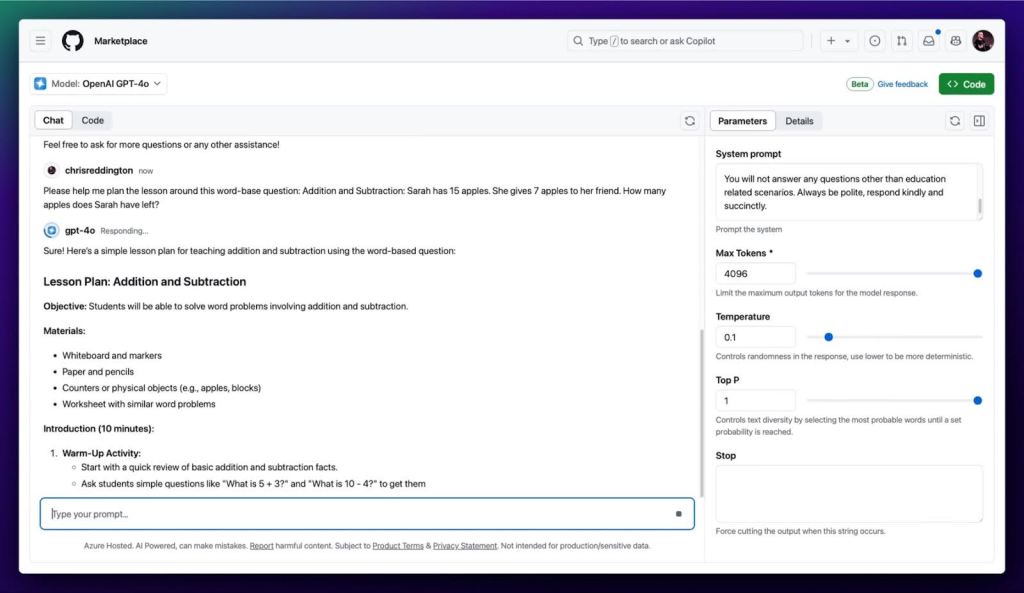
- Provides a built-in modeling playground
- Support for integrating models into GitHub Codespaces and Visual Studio Code
- Provides access to a wide range of popular AI models
- Delivering enterprise-grade security and data privacy with Azure AI
- Support for prototyping and experimentation
- Educational institutions can be used for teaching
Using Help
The GitHub Models platform is very easy to use, here are the detailed steps and procedures:
- Registration and Login:
- Visit the GitHub Models website (https://gh.io/models).
- Use your GitHub account to register and login.
- Visit to the model test site (Playground):
- After logging in, you will be taken to the Model Proving Ground page.
- In the Proving Ground, users can select different AI models to test.
- Enter the prompt and adjust the model parameters, and click the "Run" button to test.
- Integration into development environments:
- If you are satisfied with the test results, you can integrate the model into GitHub Codespaces or Visual Studio Code.
- On the Model Testbed page, click the "Integrate to Development Environment" button and follow the prompts.
- Deployment to production environments:
- After completing development, the model can be deployed to a production environment.
- GitHub Models provides integration with Azure AI to ensure model security and reliability.
- In the development environment, select "Deploy to Azure AI" and follow the prompts.
- Using Help and Support:
- If you encounter problems during use, you can visit the GitHub Models help documentation (https://docs.github.com/zh/github-models).
- You can also contact the GitHub support team for help.