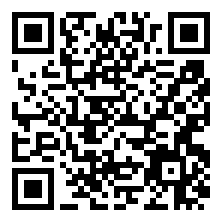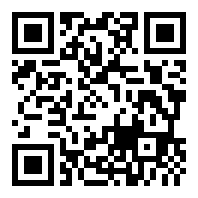
The account registration process with Stars Stellar is very simple, but there are important considerations as follows:
Registration Process::
- Visit the official website at https://www.starsstellar.com/点击 "Try Now"
- Only need to provide a valid e-mail and set a password to complete the registration, the whole process about 1 minute
- Support for major mailbox providers (Gmail, Outlook, etc.)
usage rights::
- Anonymous trial of the base functionality without registration, but with a limit on the number of times it can be used
- Login account required for full functionality, including history saving, code downloads, etc.
Security recommendations::
- Create a dedicated email registration for important projects to avoid mixing it with your main email address.
- Change passwords regularly, it is recommended to enable two-step verification (if supported by the website)
- Be careful to check for verification links and notifications in your mailbox
data management::
- All interaction records are automatically stored in the cloud after logging in, making it easy to trace back.
- Regularly export important code snippets to local backups
- If you want to delete an account, you can find the appropriate option on the settings page.
Teamwork: The current version supports mainly individual use, while team members can share code snippets or conversation notes for indirect collaboration.
This answer comes from the articleStars Stellar: Intelligent Programming Assistant Boosts Development EfficiencyThe
May not be reproduced without permission:AI productivity tools " What are the do's and don'ts of Stars Stellar account registration and usage?