For Windows 11 users, the COPILOT button is not going to be available in the country, even if you hang a ladder, which is a bit less convenient for many users.
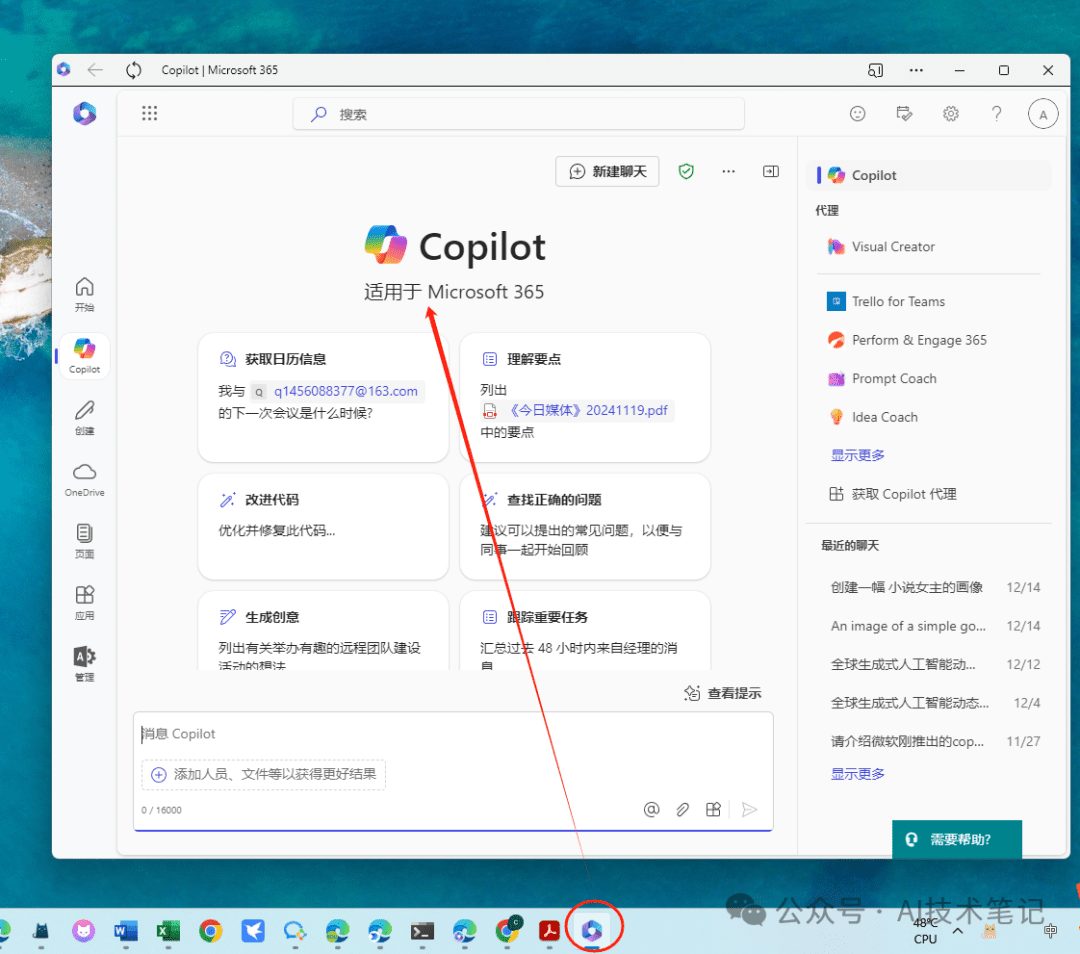
However, in this article, this can be achieved in a convenient way by presenting copilot on the taskbar, which can be easily tapped and used when using it:
Implementation methodology
First you need to open the copilot homepage (business version) on the web:
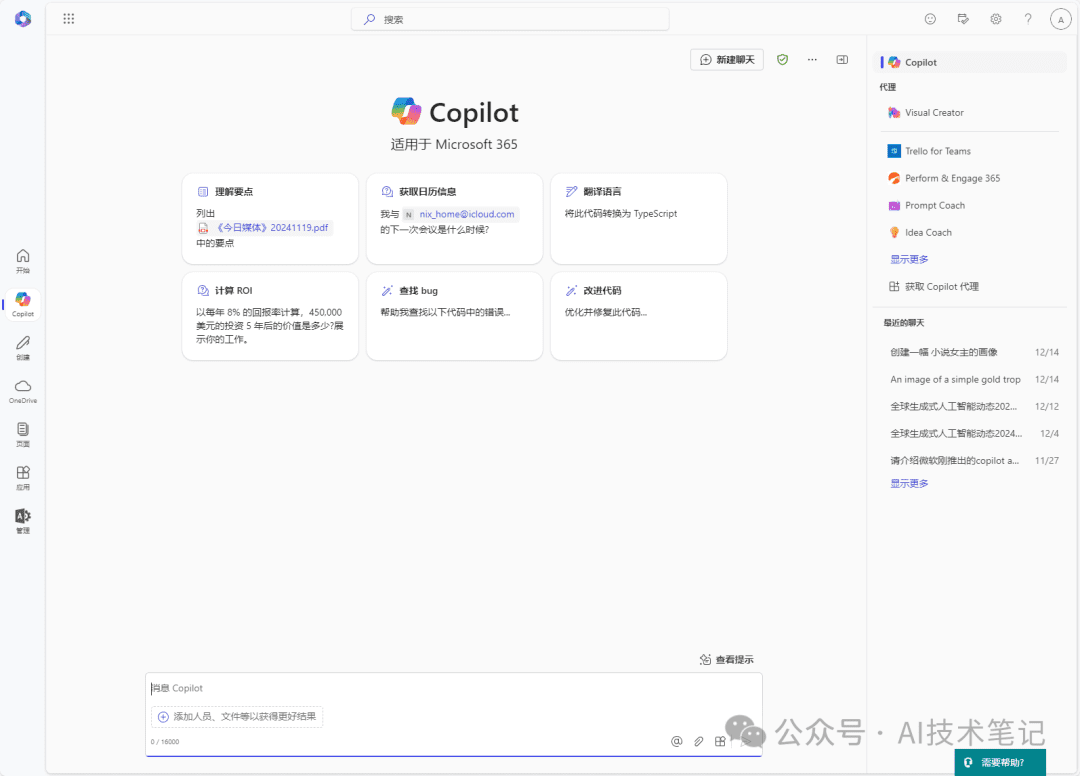
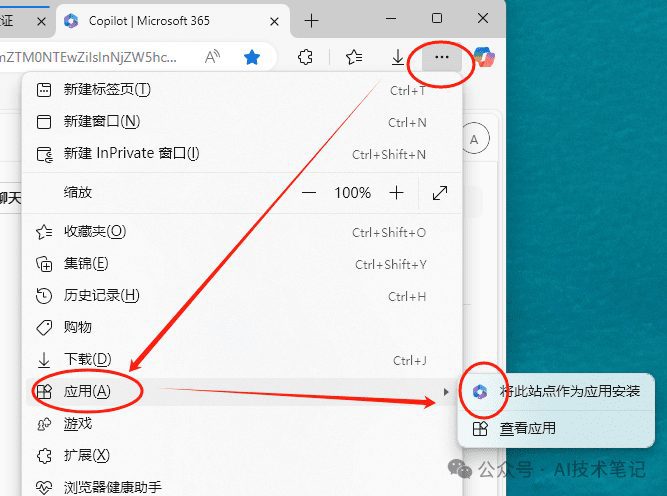
Click Menu bar in the upper right corner → Applications → Install this site as an application:
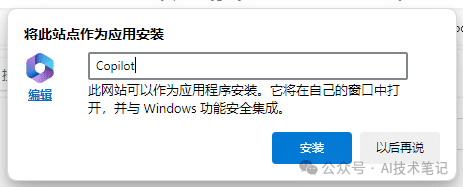
Then name this application:
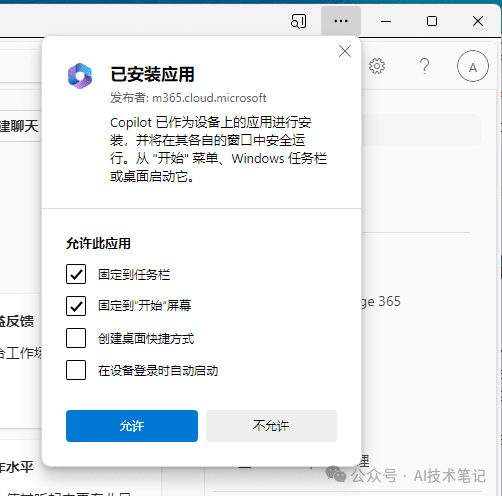
And set "Taskbar", "Start Screen", "Desktop Shortcuts" and "Auto Login":
Results Showcase
Taskbar:

Start menu:
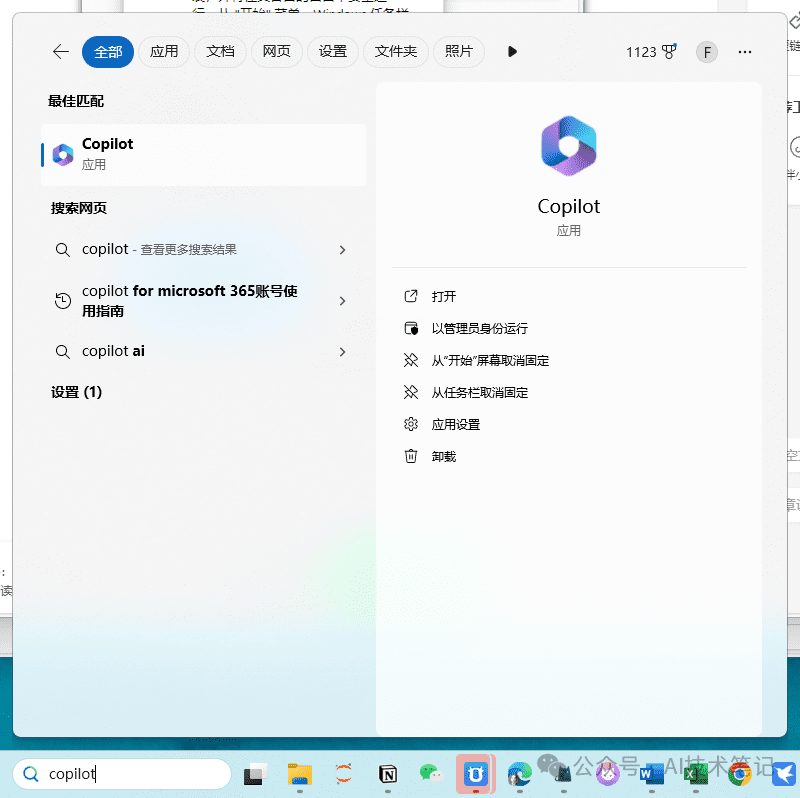
Anytime, anywhere, we can easily turn on copilot to ask questions and analyze.
May not be reproduced without permission:AI productivity tools » How to install copilot to domestic computer