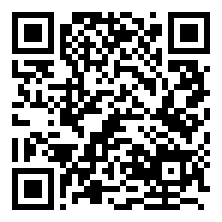
Installation steps::
- Open the Extension Store for Chrome or Edge
- Search for "MultiPost-Extension"
- Click the "Add to Browser" button.
- Follow the prompts to complete the installation
Usage Process::
- Click on the extension icon in the upper right corner of the browser to open the interface
- Select content type (text/image/video)
- Enter content or upload files
- Tick the target publishing platform
- Click the "Publish" button to complete the synchronization.
Suggestions for using advanced features::
- Timed Releases: Set a specific time before posting, suitable for posting in different time zones
- AI generation: Enter keywords for AI to create a first draft, then manually optimize it
- web integration: Developers can automate content crawling for publishing via APIs
This answer comes from the articleMultiPost-Extension: a browser extension that synchronizes AI-generated content to self-publishing platforms in one clickThe
May not be reproduced without permission:AI productivity tools " How to install and use MultiPost-Extension for multi-platform content publishing?