

1. Select the `Image to Video` tab.
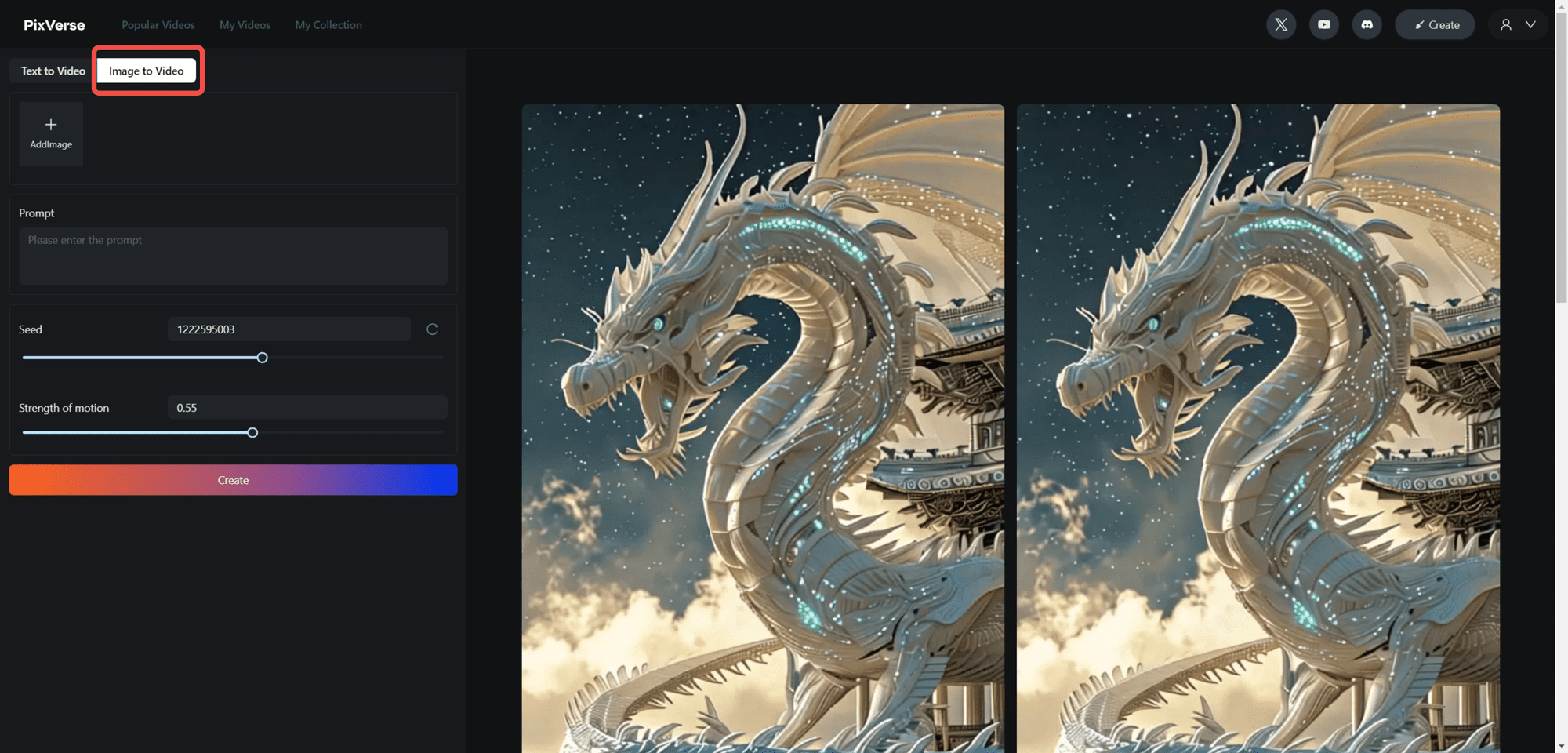
2. Upload a new image, or select an existing image from your footage
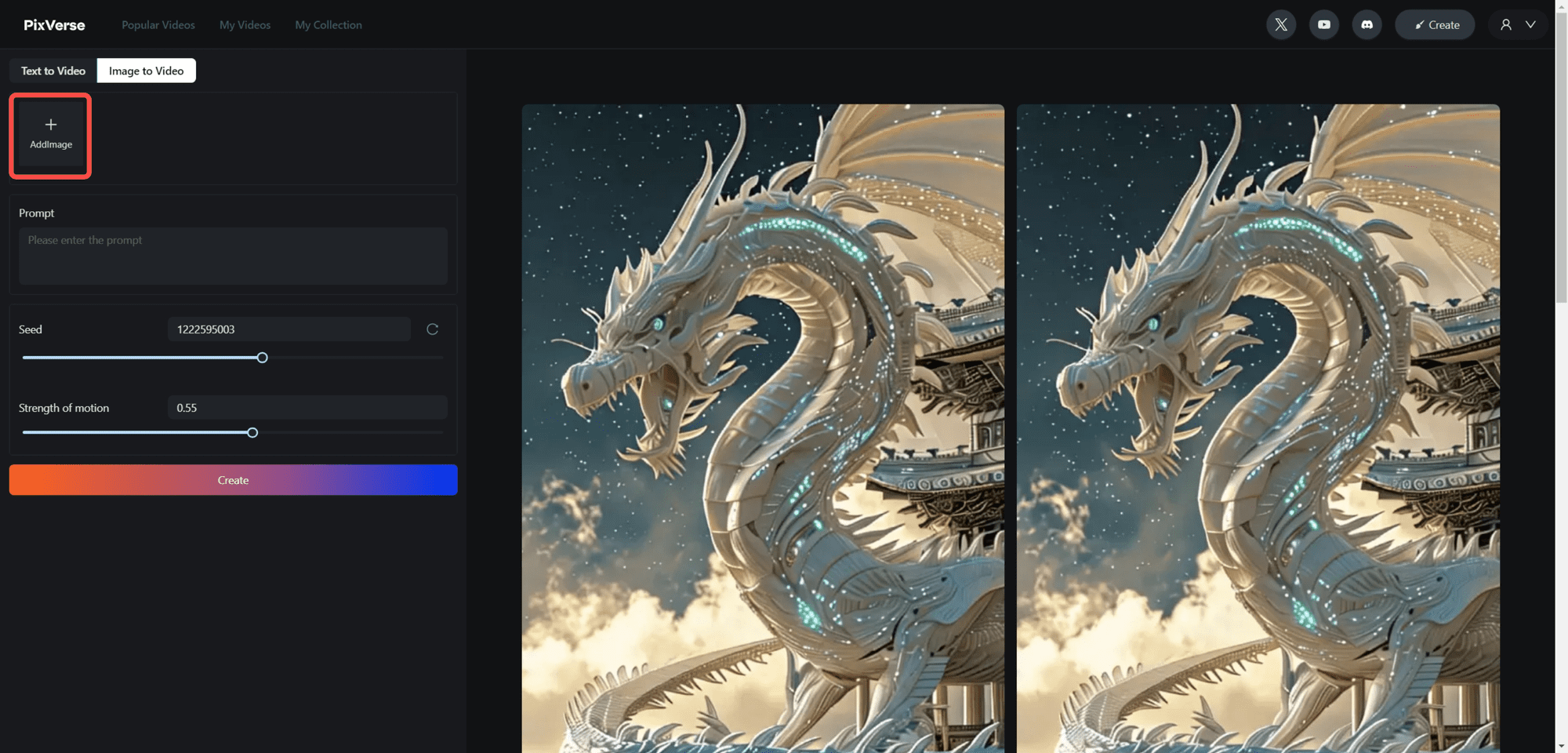
When hovering the cursor over the Add Image `AddImage` block, two options are displayed.
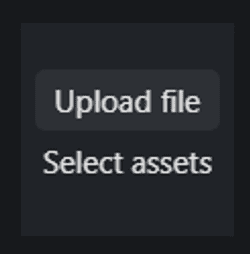
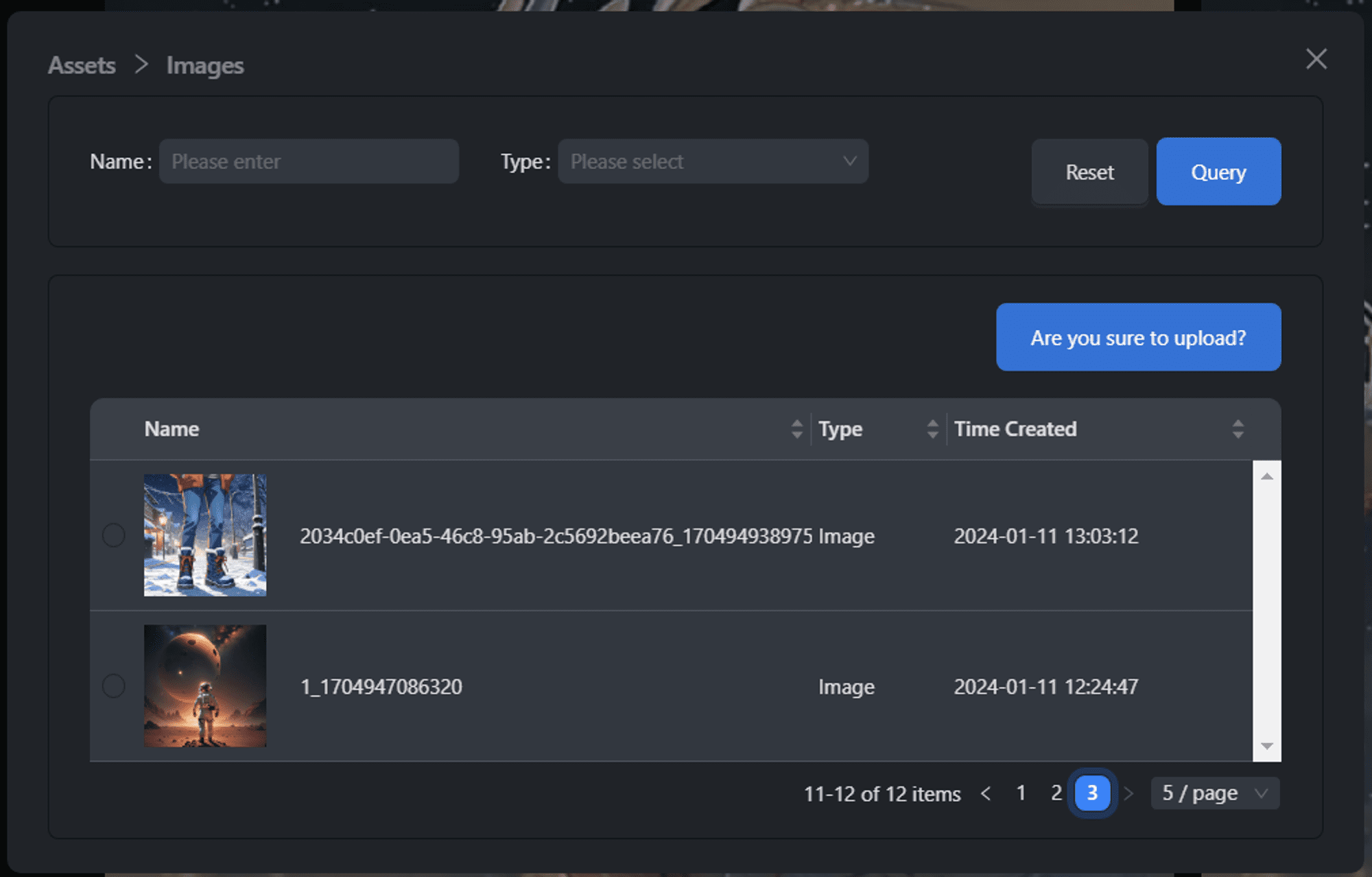
By clicking Select assets` you will see all the previously uploaded images. You can select any of them and click `Are you sure to upload?` to continue. `Are you sure to upload?` to continue.
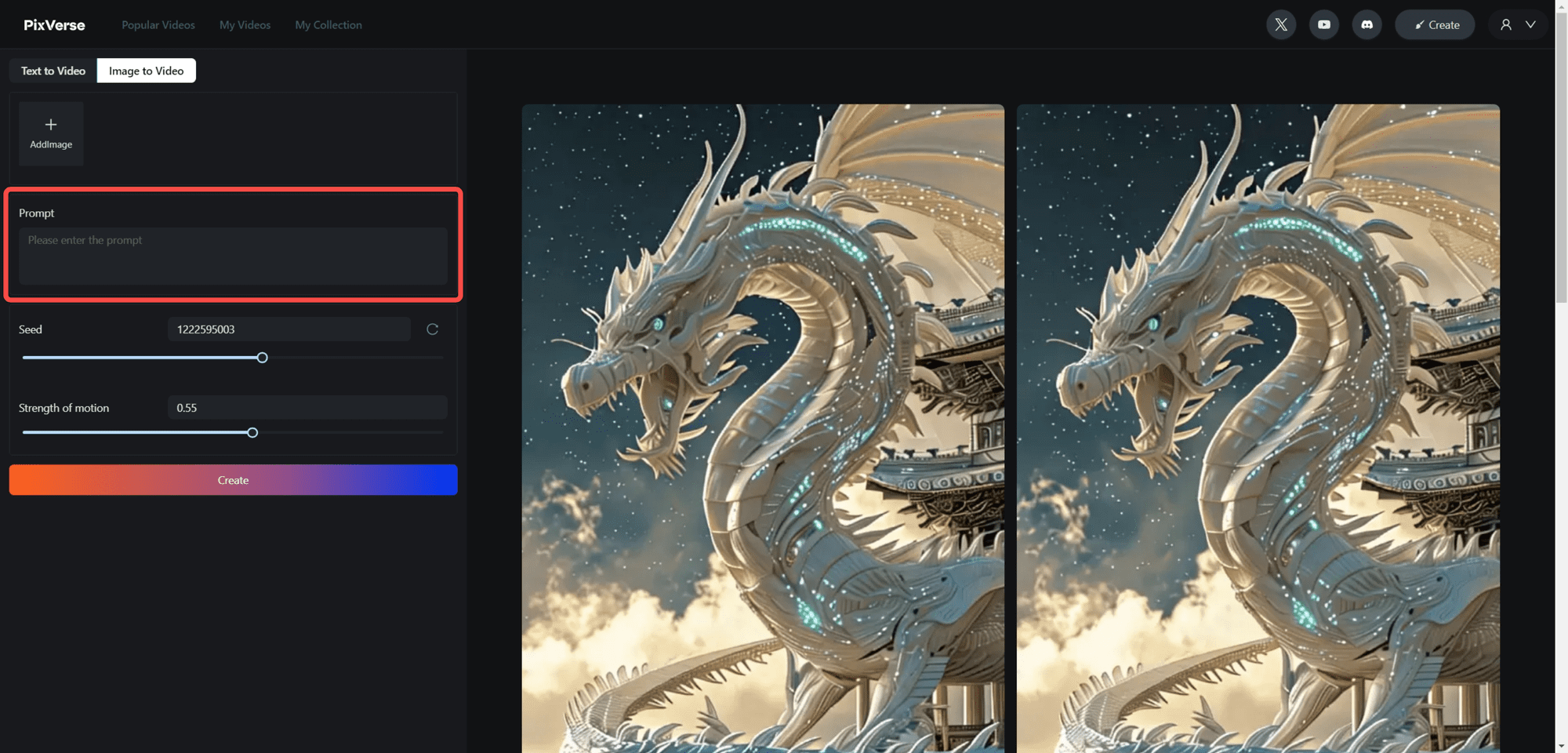
3. Write down how you want the image to move (optional)
If this section is left blank, the model will automatically detect the "movable" part of the image and make it move.
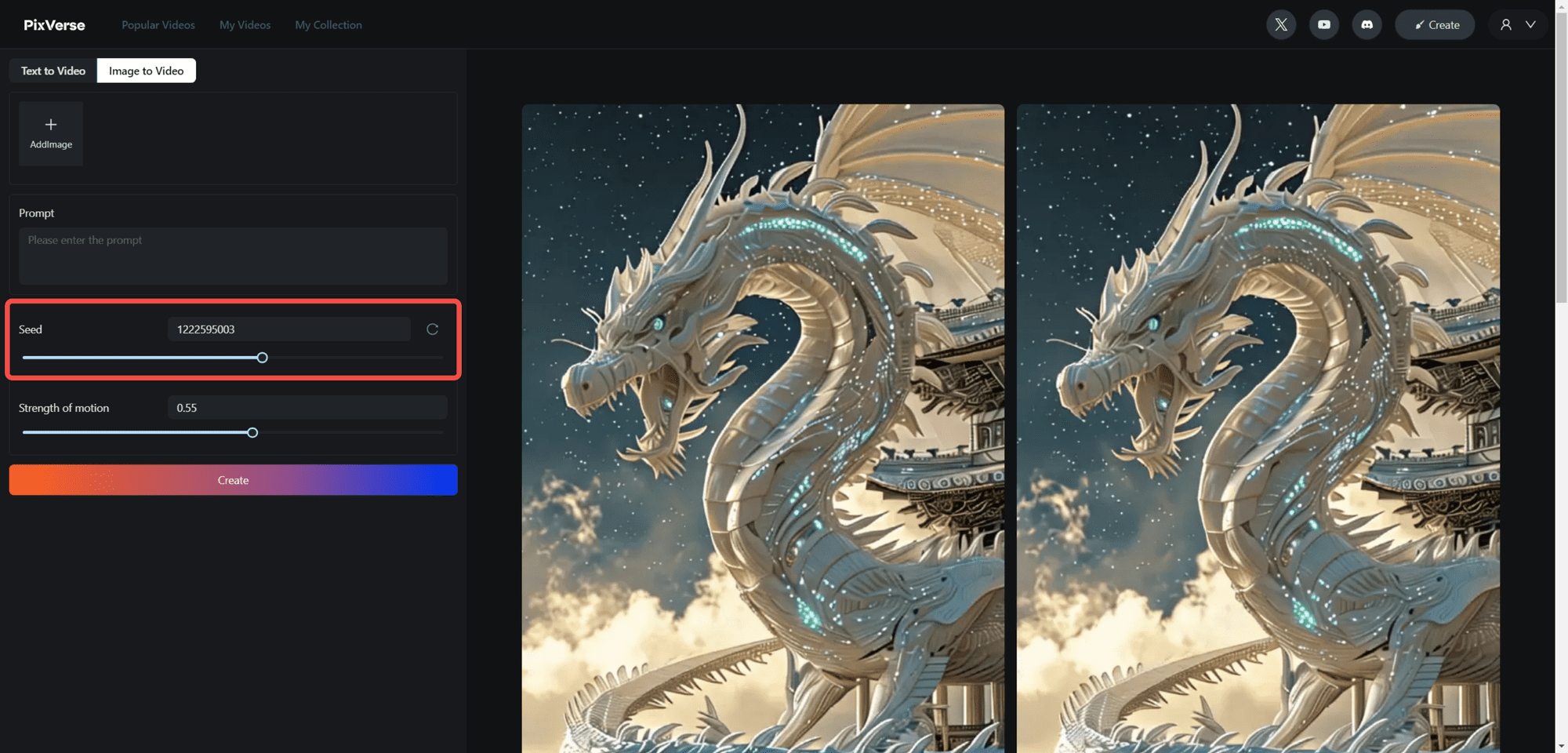
6. If you want to repeat a video, specify the seed `seed`.
The seed `seed` in generative AI applications is a starting value used to generate random numbers, which then influences the entire generation process. It ensures that using the same seed, you always get the same result, thus ensuring consistency and reproducibility of the generated content.
You can:
- Drag the slider to set the value
- Click the 🔁 button to randomly select a
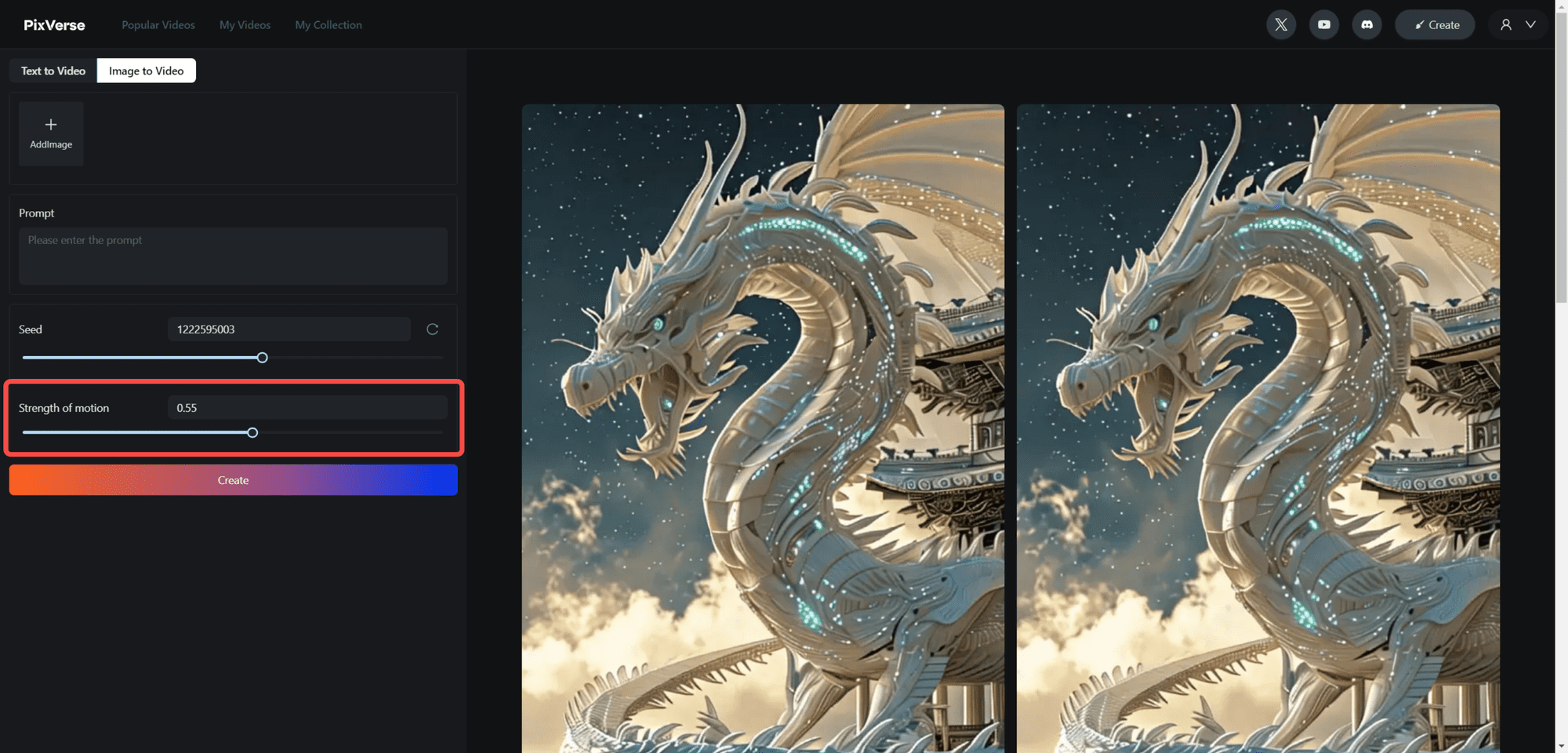
5. Specify the `strength of motion` you want.
You can:
- Drag the slider to set the value
- Enter the value you want
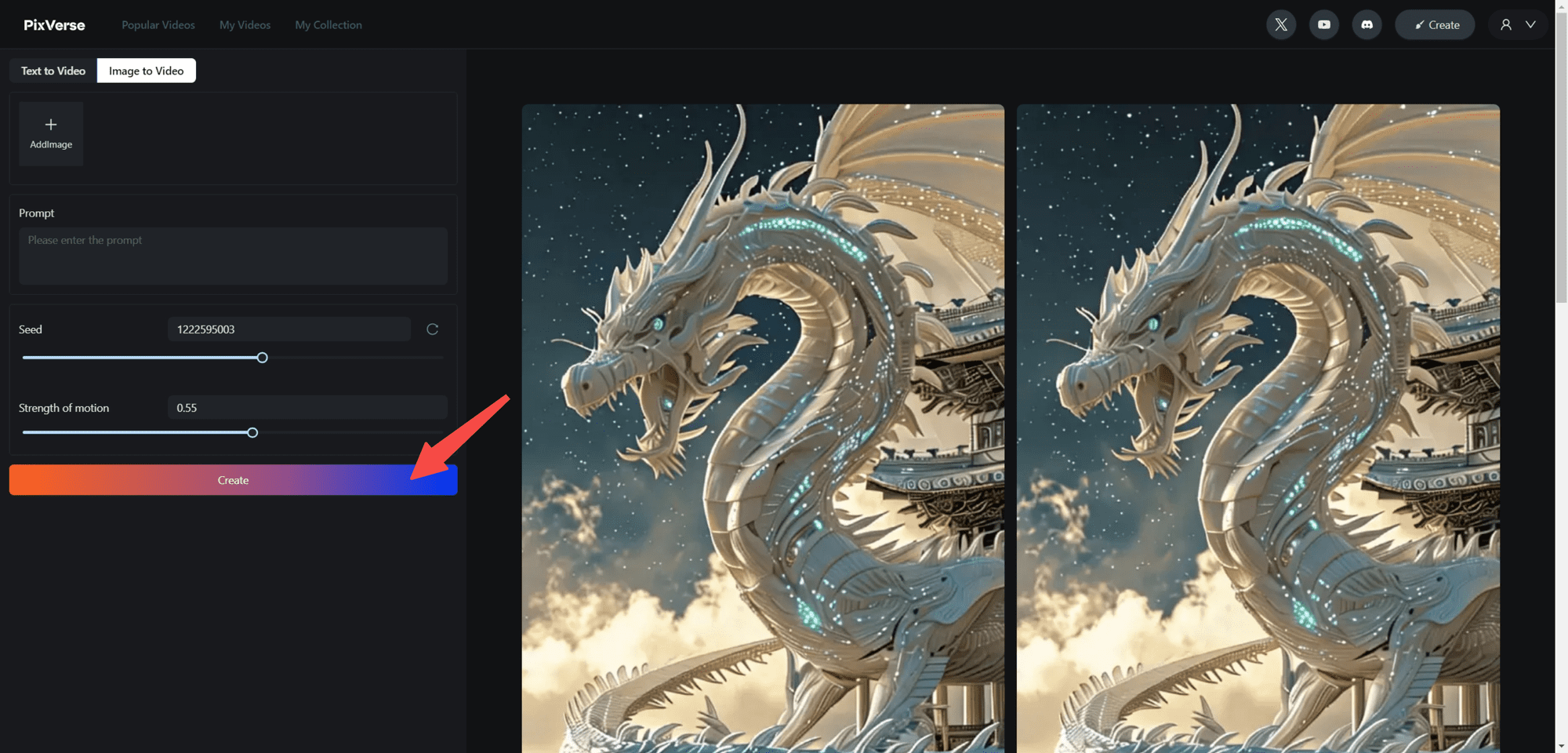
6. Click on `Create`
May not be reproduced without permission:AI productivity tools » PixVerse Tutorial: Using Images to Generate Lifelike Videos on the Web


























