
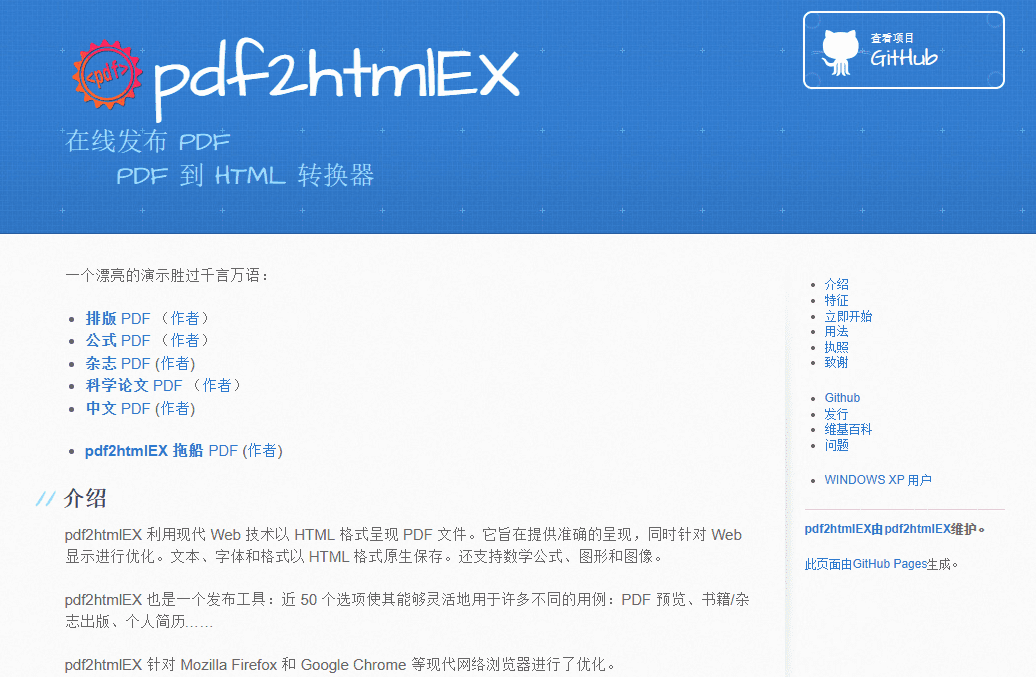
pdf2htmlEX is an open source tool designed to convert PDF files to HTML format , by analyzing the content of PDF files and use HTML + CSS to accurately restore its visual effect , PDF documents into a browser can be directly viewed in the web page . The tool is particularly suitable for academic papers containing a large number of formulas and charts , as well as complex layouts of magazines . pdf2htmlEX utilizes modern Web technologies to provide flexible output options , support for linking , bookmarking , printing , SVG backgrounds and Type 3 fonts and other features .
Function List
- Convert PDF files to HTML format, keeping text and formatting intact
- Supports a variety of output options, including a single HTML file or on-demand page loading
- Support for links, bookmarks, printing, SVG backgrounds and Type 3 fonts
- Provides improved DPI settings to ensure undistorted output graphics
- Support for transparent text and partially occluded text processing
- Provides font size multiplier and zoom options to ensure accurate display in the browser
- Support removing duplicate files and optimizing output file size
Using Help
Installation process
- Download and install dependencies: pdf2htmlEX relies on tools such as Poppler and Fontforge, please make sure they are installed on your system.
- Download the pdf2htmlEX source code from the GitHub repository:
git clone https://github.com/pdf2htmlEX/pdf2htmlEX.git - Go to the downloaded directory and compile the source code:
cd pdf2htmlEX && make - Install the compiled tool:
sudo make install
Usage Process
- Open a terminal or command line tool.
- Use the following commands to convert PDF files to HTML format:
pdf2htmlEX input.pdf - The converted HTML file will be saved in the same directory as the input file.
Detailed Function Operation
- Conversion options: A variety of command line options can be used to control the conversion process, such as
--zoomoption to adjust the scaling of the output HTML.--font-size-multiplieroption adjusts the font size multiplier. - Handling obscured text: Use
--correct-text-visibilityoption handles fully or partially obscured text, ensuring that the text is displayed correctly in HTML. - Optimize file size: You can optimize the size of the output file by removing duplicate background images and font files, ensuring that the resulting HTML file is smaller and more efficient.